JSON Diff
Paste an original and a modified JSON document to get a clear list of every difference between them.
How it works and known limits
What is reported
The comparison walks both structures recursively. It reports keys added in the second document, keys removed from the first, values that differ, and places where the type changed such as a number becoming a string. Array items are compared by index, so an insertion shifts later positions.
Output format
Each difference includes a dot-style path so you can locate the exact field, together with the old and new values. When a value is an object or array it is shown as compact JSON. A clean result explicitly says the documents are identical.
Known limits
Object key order is ignored, which matches JSON semantics. Arrays are order-sensitive, so reordering items appears as changes. The tool does not compute a structural edit distance, so a reordered array produces many changed positions rather than a single move.
How to compare two JSON documents (with screenshots)
Paste two JSON documents and see added, removed and changed keys with their paths.
Open the JSON Diff
Open the JSON Diff page. The original json is where your work begins; the result appears on the right.
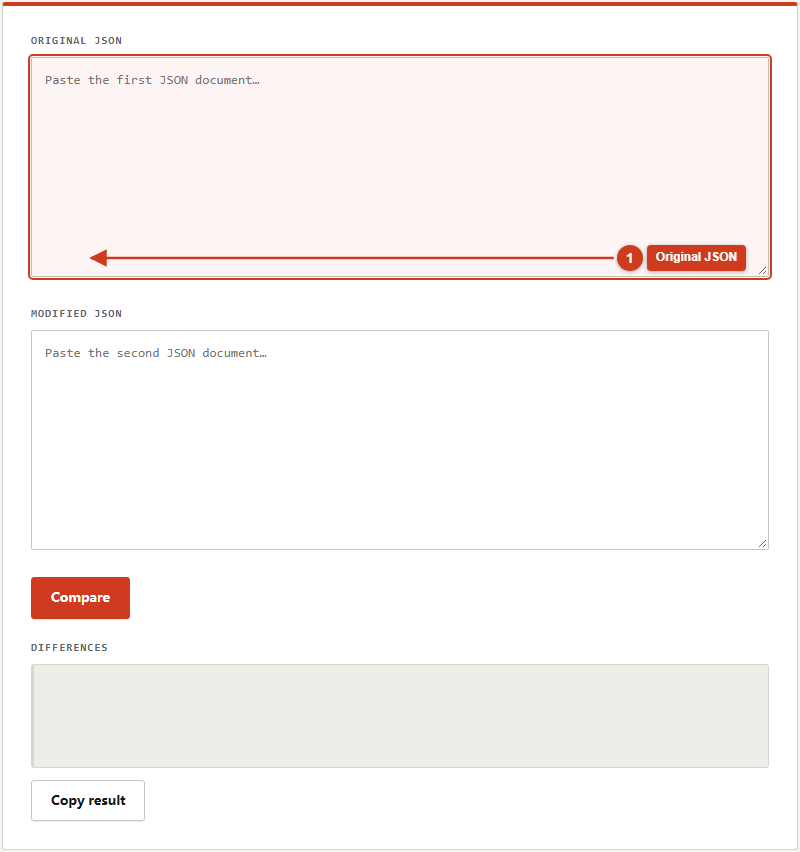
Enter your input
Paste the original JSON into the left box. Paste the changed JSON into the right box.
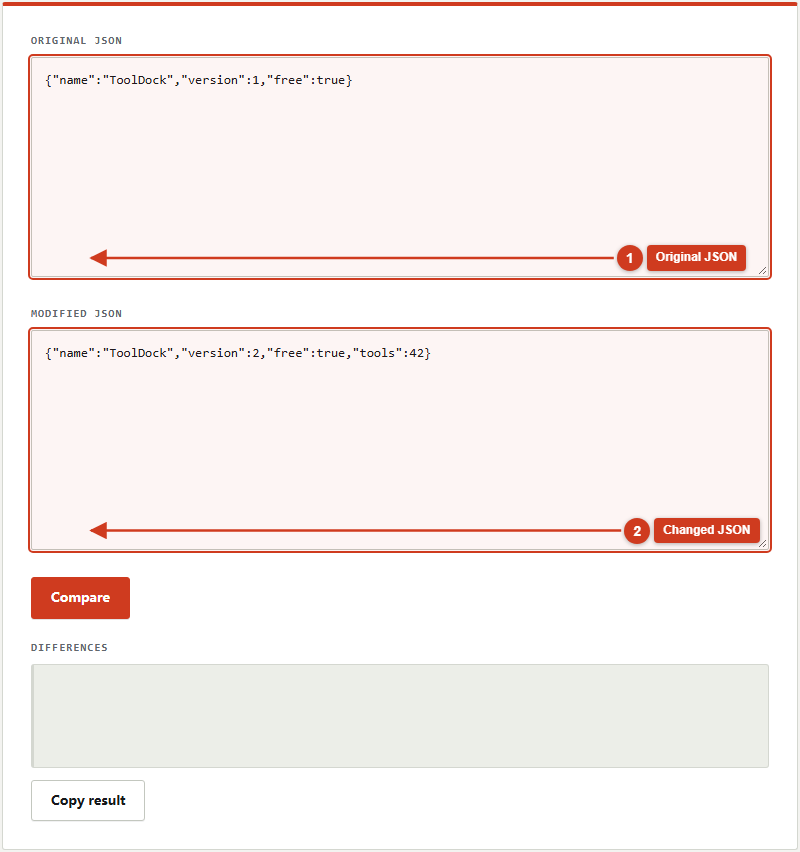
Run the tool
Click Compare to list the differences. Every change is reported with its path: values changed, keys added or removed, and array item differences.
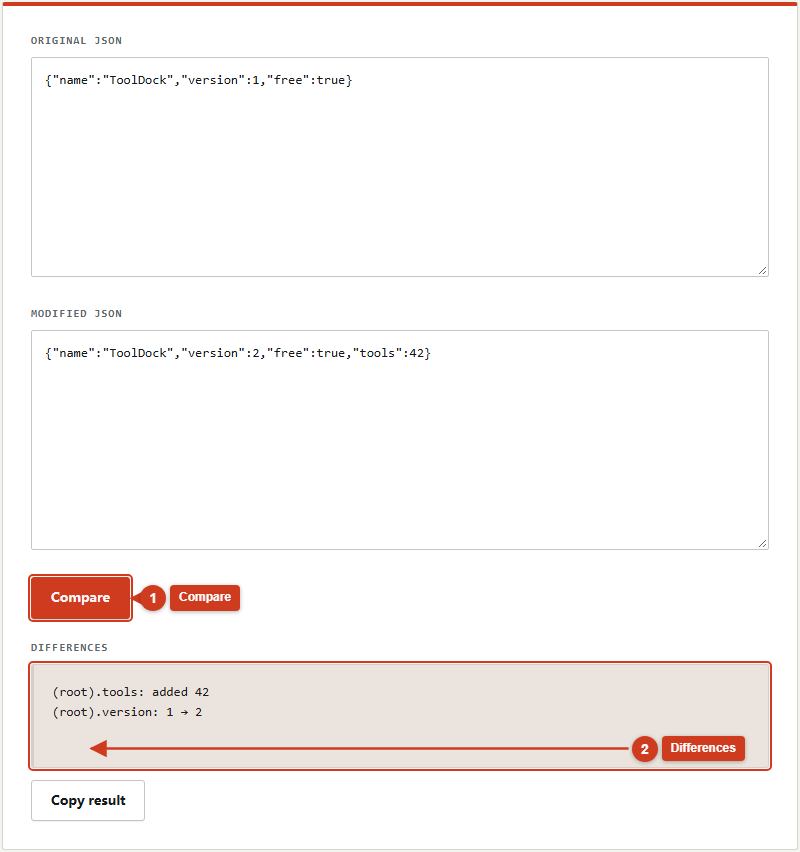
Tip: Identical documents produce a "No differences" message, which makes this a quick equality check.
Frequently asked questions
Does it ignore the order of object keys?
Yes. JSON objects are unordered, so only content is compared.
Are array reorderings detected?
Arrays are compared by position, so moving an item shows up as value changes.
Is my JSON uploaded?
No. Comparison happens entirely in your browser.
What if either document is invalid JSON?
The tool reports a parse error with the position so you can fix the input first.
Page last reviewed: