XML to JSON
Paste XML and get a JSON representation where attributes, text content and repeated elements are preserved.
How it works and known limits
How elements are mapped
Each XML element becomes a JSON object. Attributes are placed under keys prefixed with @, text content under #text, and child elements become their own keys. Repeated sibling elements with the same tag are grouped into an array so no data is lost.
Attributes and mixed content
An element with both attributes and text produces an object containing both an @-prefixed attribute key and a #text key. Elements that contain only text are represented by that string directly where possible, which keeps the output compact and readable.
Known limits
XML namespaces are treated as literal tag names rather than resolved. Very large documents are limited by browser memory, and malformed XML produces a parse error instead of partial output. The mapping is a practical convention, not a formal standard, so another converter may produce a slightly different shape.
How to convert XML to JSON (with screenshots)
Convert XML into a JSON object, preserving attributes with an @ prefix and text with #text.
Open the XML to JSON
Open the XML to JSON page. The xml is where your work begins; the result appears on the right.
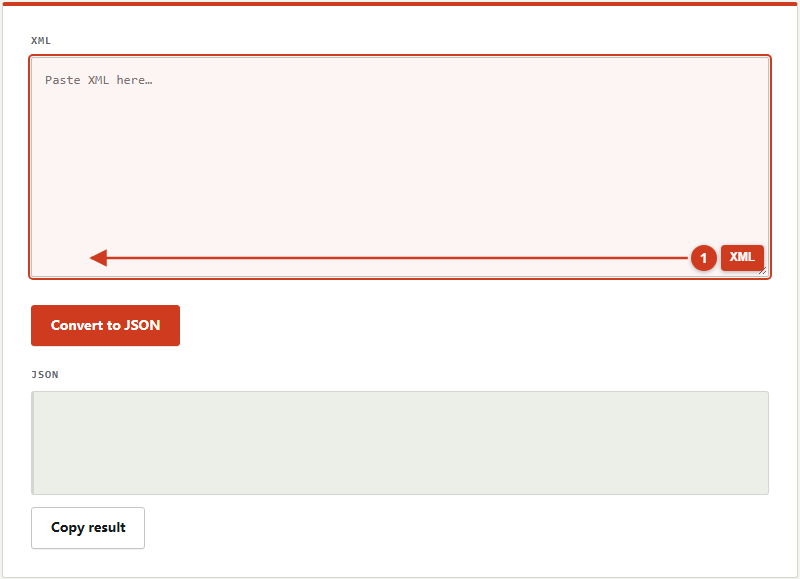
Enter your input
Paste XML into the input box. Attributes and nested elements are both supported.
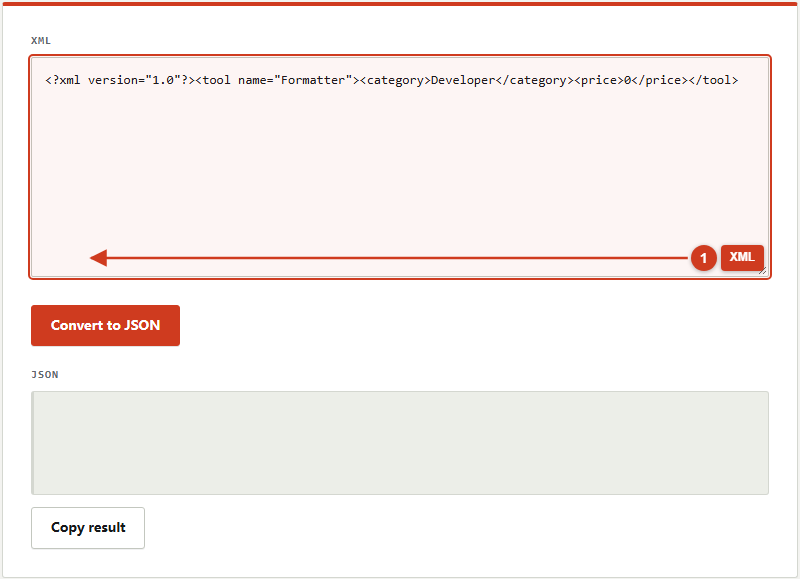
Run the tool
Click Convert to JSON to build the object. Element names become keys, attributes are prefixed with @, and repeated elements are collected into arrays.
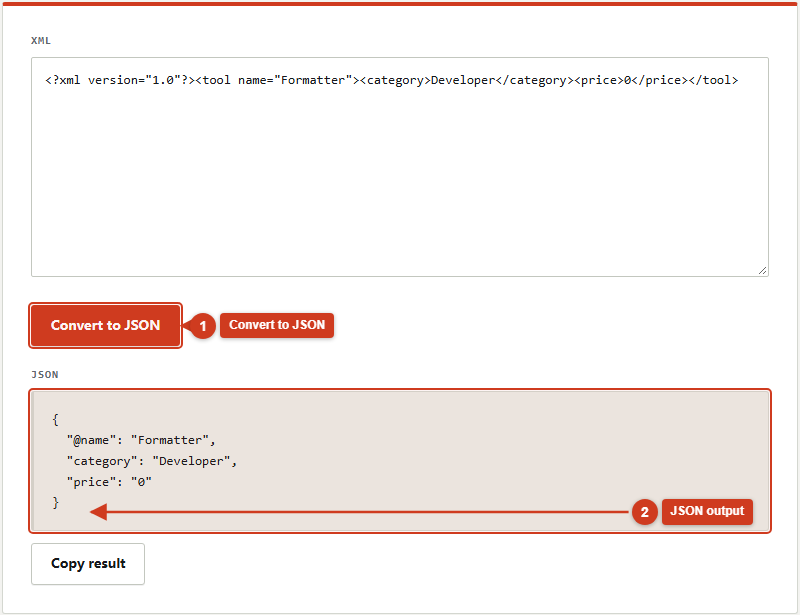
Tip: Mixed content is placed under a #text key so no text is silently lost.
Frequently asked questions
Are XML attributes preserved?
Yes. They appear as keys prefixed with @ so they cannot collide with child elements.
What happens to repeated tags?
Repeated sibling elements with the same name are collected into an array.
Is my XML uploaded?
No. Conversion uses the browser XML parser and happens entirely on your device.
Does it handle malformed XML?
It reports a parse error rather than returning partial results.
Page last reviewed: