Duplicate Line Remover
Paste a list and strip out repeated lines. The first occurrence stays in place, so your ordering is preserved.
How it works and known limits
How deduplication works
The tool walks your lines from top to bottom and keeps a line only the first time its key is seen. With the default options the key is the exact line text. Enabling ignore case lowercases the key, and trim whitespace removes leading and trailing spaces before comparison, so Near and near or spaced lines collapse together.
Blank lines
By default empty and whitespace-only lines are treated like any other line and duplicates among them are removed. The drop blank lines option removes all blank lines from the result instead, which is usually what you want when cleaning a list.
Known limits
Comparison is exact after the selected normalisation. Lines that differ only by punctuation or an invisible character are considered distinct. The displayed count is computed after every option is applied.
How to remove duplicate lines (with screenshots)
Strip repeated lines from a list, with switches for case-insensitive matching and whitespace trimming.
Open the Duplicate Line Remover
Open the Duplicate Line Remover page. The lines is where your work begins; the result appears on the right.
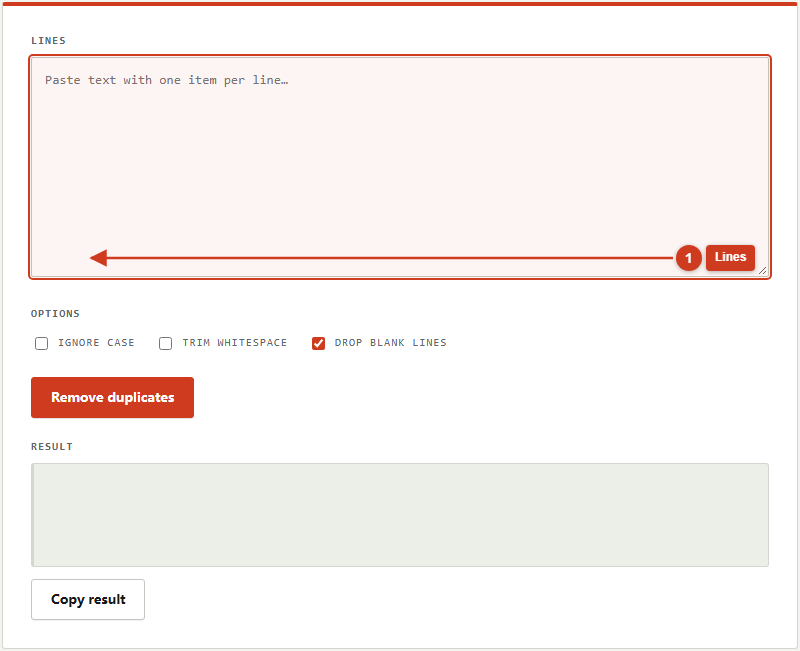
Enter your input
Paste a list with repeated lines. The switches below let you ignore case, trim whitespace or drop blank lines.
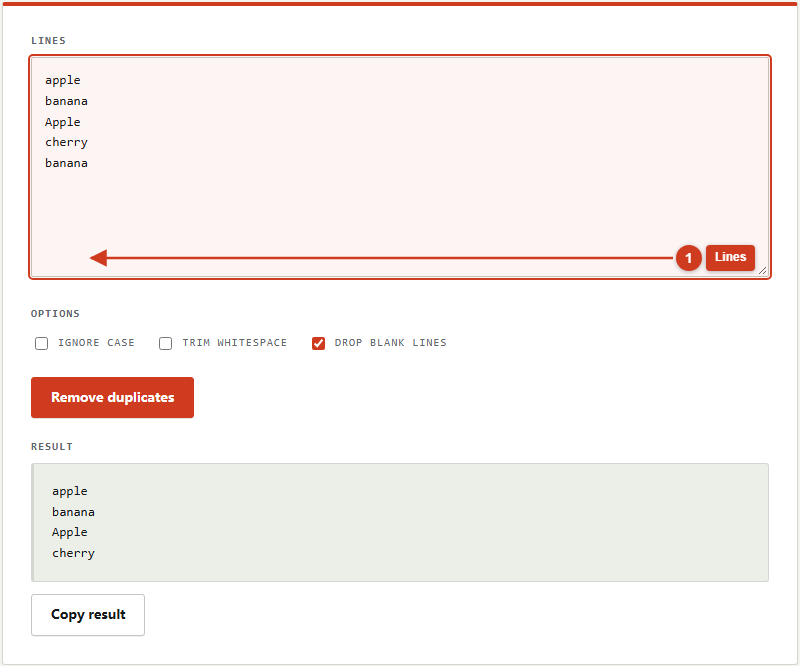
Read the result
Only the first occurrence of each line is kept, and the cleaned list updates as you type.
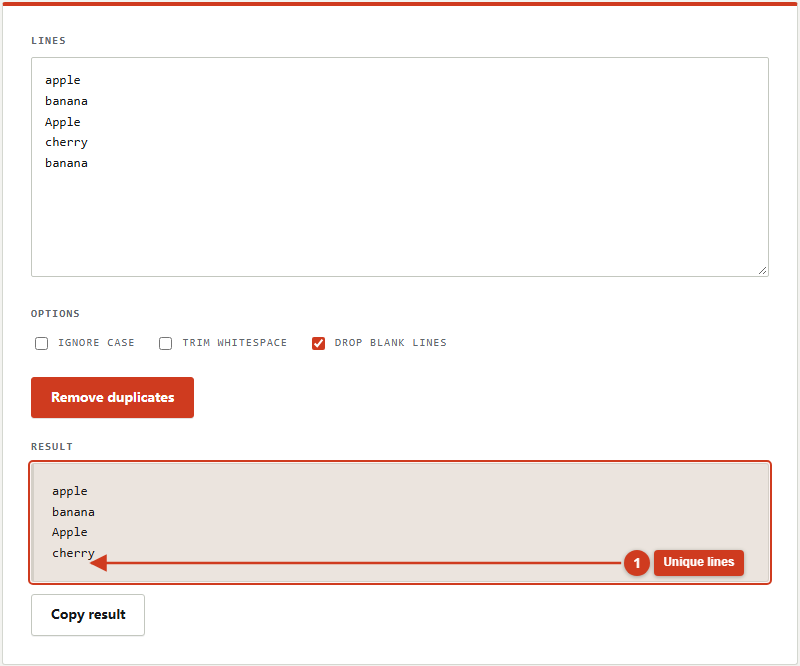
Tip: Turn on Trim whitespace first if lines differ only by leading or trailing spaces.
Frequently asked questions
Does it keep the original order?
Yes. The first occurrence of each line stays in its original position and later copies are removed.
Can I treat uppercase and lowercase as the same?
Yes. Enable the ignore case option.
Will it remove empty lines?
Enable the drop blank lines option to remove all blank lines from the result.
Is my text uploaded?
No. Deduplication runs entirely in your browser.
Page last reviewed: