Line Sorter
Paste a list and choose how to order it: alphabetical, numeric, by length, reversed or shuffled.
How it works and known limits
Sorting options
Alphabetical uses locale-aware comparison so accented letters are placed near their base letters. Numeric mode compares parsed numbers and keeps non-numeric lines at the end. Length mode orders by character count. Reverse simply inverts the current order, and shuffle uses a randomiser for an unbiased permutation.
Duplicate and blank handling
The ignore-duplicates option removes repeated lines after sorting, keeping the first occurrence. Blank lines can be dropped with a separate option. Both are applied before the result is written, so the displayed count reflects what you will copy.
Known limits
Alphabetical comparison depends on your browser locale, so case and accent ordering can differ between devices. Numeric mode treats a whole line as a number; lines that mix text and numbers are better sorted alphabetically.
How to sort lines of text (with screenshots)
Sort lines alphabetically, numerically or by length, with options to reverse and remove duplicates.
Open the Line Sorter
Open the Line Sorter page. The lines is where your work begins; the result appears on the right.
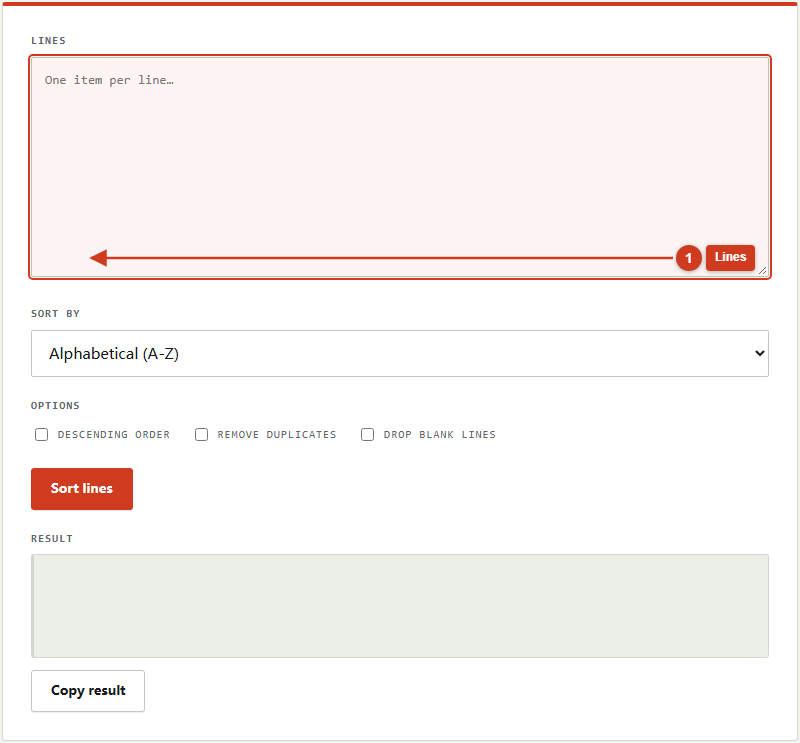
Enter your input
Enter one item per line. This example uses fruit names with a duplicate.
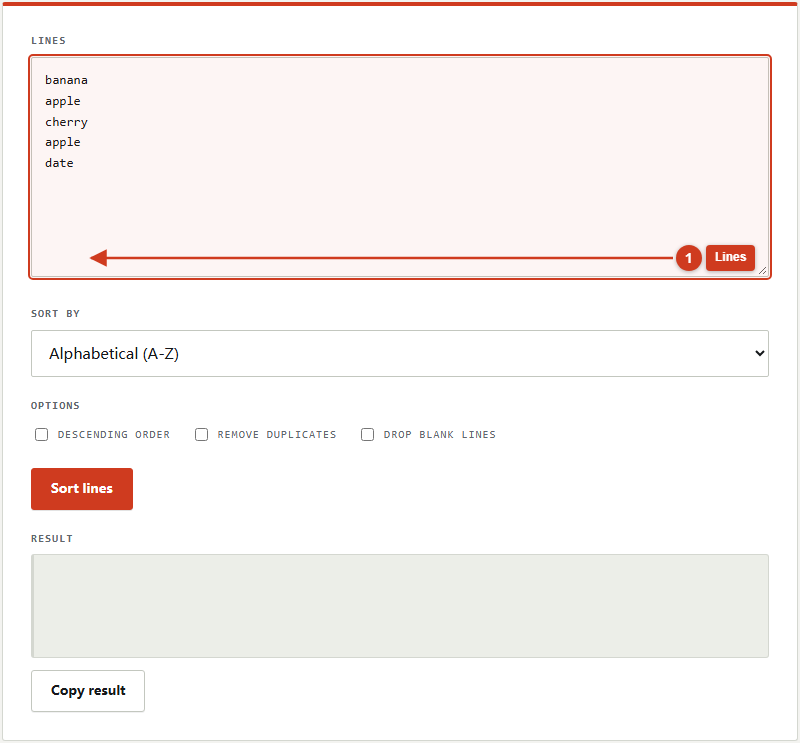
Set the options
Choose the sort mode. The checkboxes below let you remove duplicates or reverse the order.
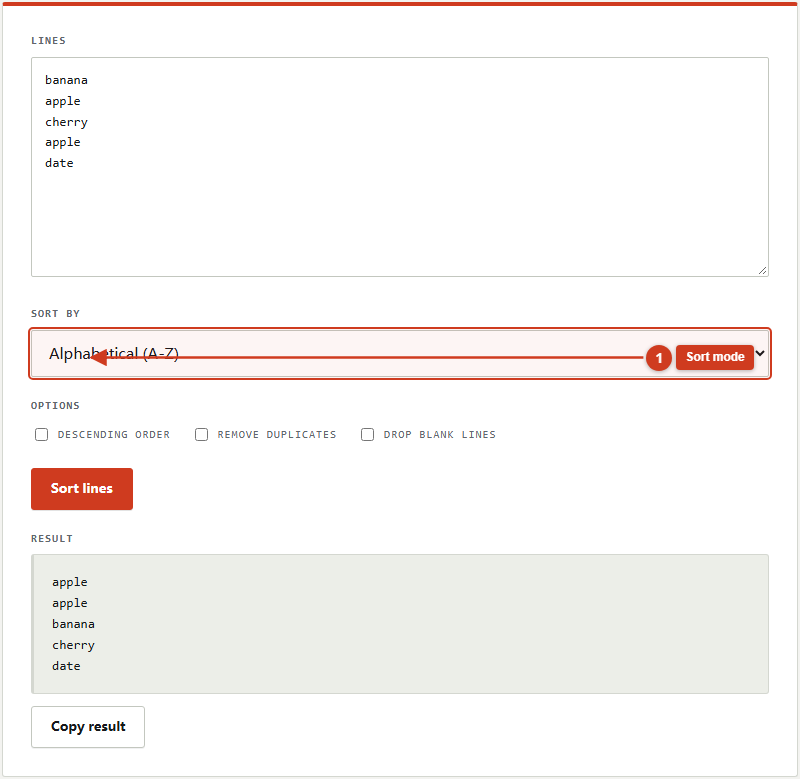
Run the tool
Click Sort lines to apply the mode and options. The sorted lines appear in the result box. Numeric mode compares numbers, and Length mode orders by line length.
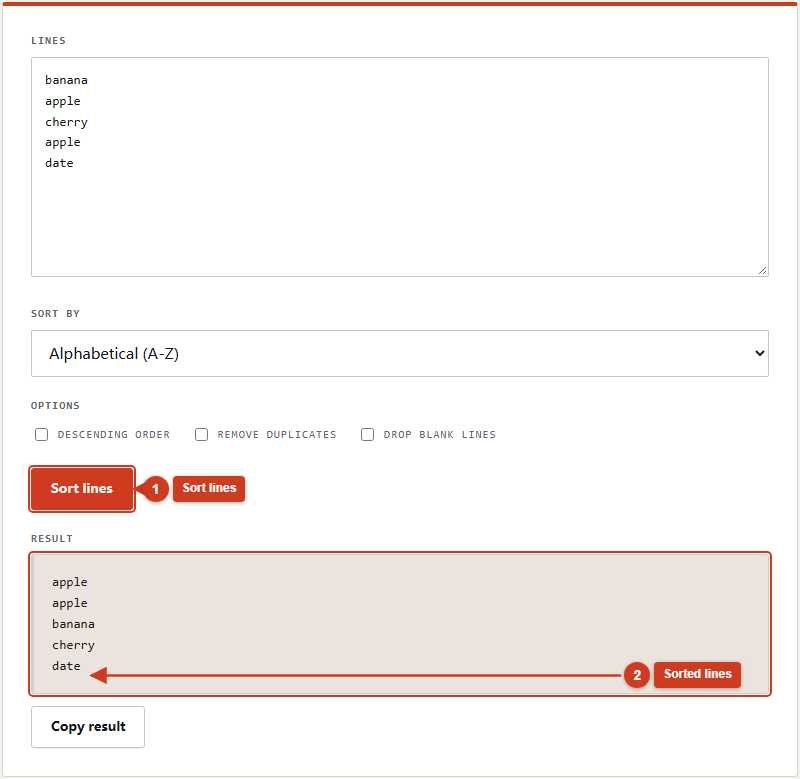
Tip: Combine Descending with Remove duplicates to get a unique list in reverse order.
Frequently asked questions
Can I sort numbers like 2, 10, 100 in numeric order?
Yes. Choose numeric mode and they will be ordered by value rather than as text.
Does sorting change the original text?
Only the order changes. The content of each line stays exactly as pasted.
Is my data uploaded?
No. All sorting happens in your browser.
Can I remove duplicates while sorting?
Yes. Enable the remove duplicates option.
How does shuffle work?
It produces a random permutation of the lines using the browser random number generator.
Page last reviewed: