Text to Binary
Encode text as a string of ones and zeros, or paste binary and read the original text back.
How it works and known limits
How encoding works
Each character is converted to its UTF-8 bytes, and every byte is written as eight bits. A separator is inserted between bytes so the groups stay readable. Because UTF-8 is used, an accented letter or an emoji becomes several bytes and therefore several eight-bit groups.
Decoding
Decoding strips the chosen separator, regroups the digits into sets of eight and converts each byte back to a character using TextDecoder. Input that is not a multiple of eight bits, or that contains non-binary digits, is reported as an error rather than producing garbled text.
Known limits
Binary text is about eight times longer than the original, so long paragraphs produce very large output. The tool assumes UTF-8; text encoded with another character set will not decode correctly.
Practical uses
Use it to inspect how a string is represented at the byte level, to teach binary encoding, or to prepare a payload for a system that accepts only ones and zeros.
How to convert text to binary (with screenshots)
Encode text as 8-bit binary and decode binary back to text, using UTF-8 under the hood.
Open the Text to Binary
Open the Text to Binary page. The text is where your work begins; the result appears on the right.
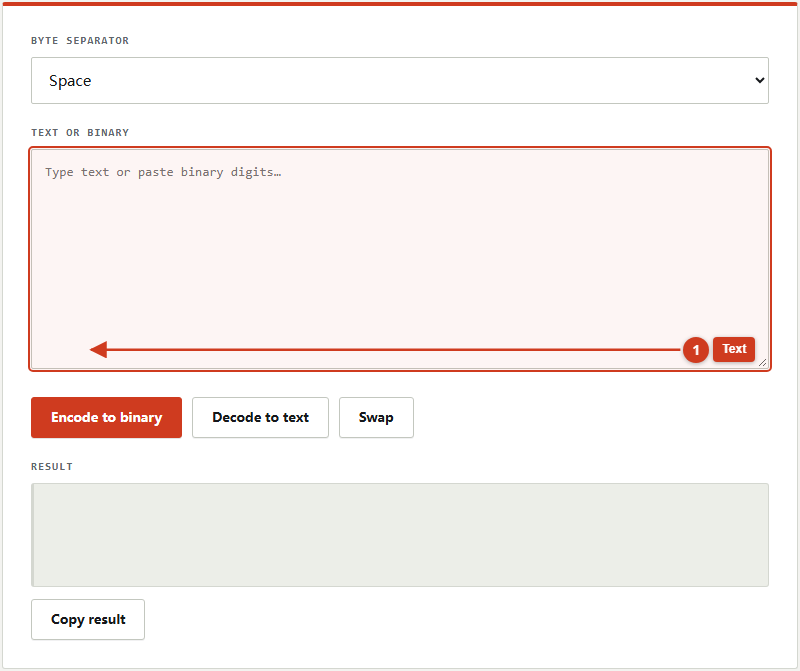
Enter your input
Type a short piece of text. Each character becomes eight bits.
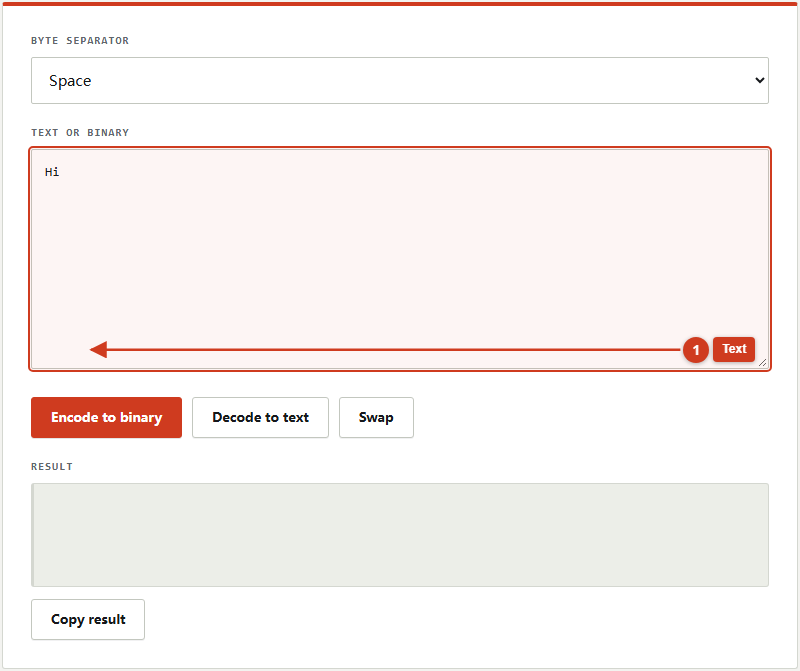
Set the options
Choose a separator between bytes: space, none or comma. Spaces are easiest to read.
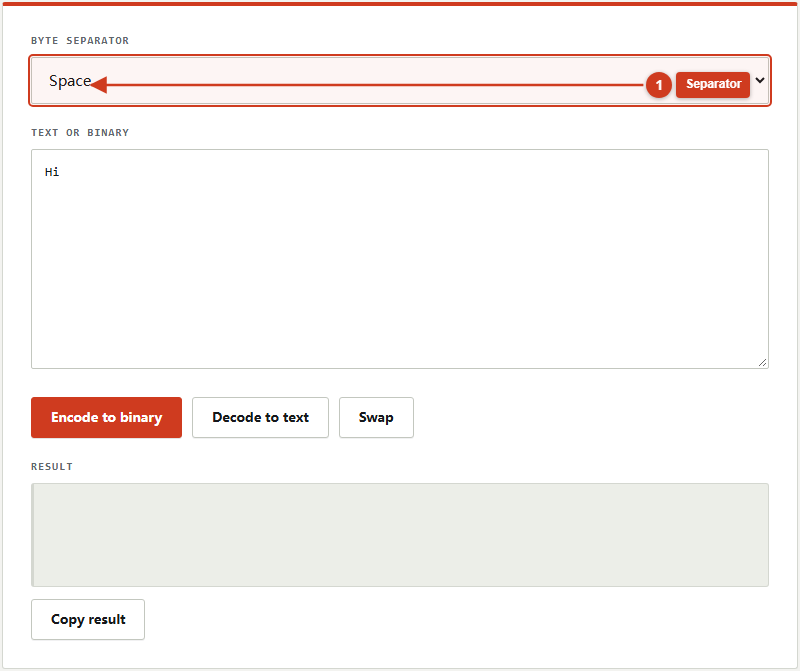
Run the tool
Click Encode to convert the text into binary. Each byte is shown as eight 0/1 digits. Click Decode to turn a binary string back into text.
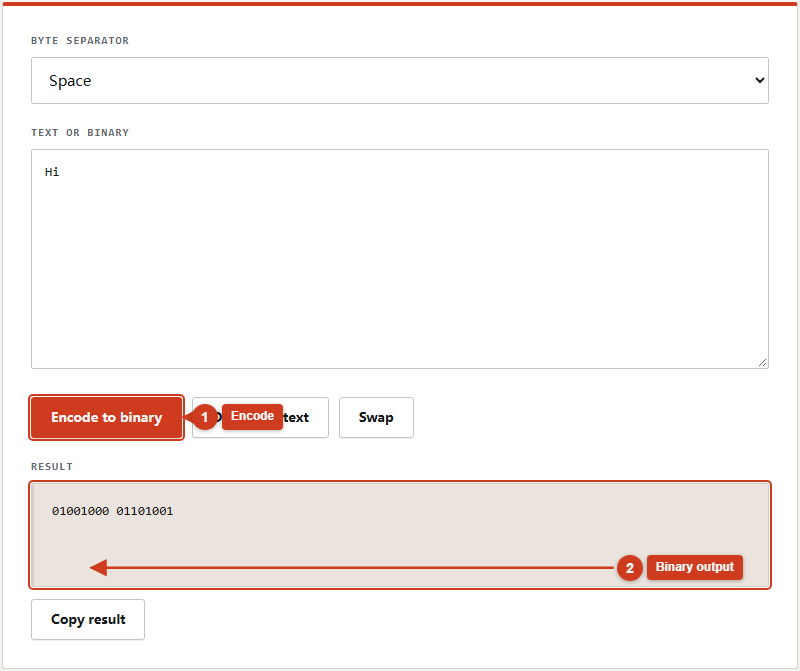
Tip: Decoding requires a multiple of eight bits containing only 0 and 1.
Frequently asked questions
Does it support emoji?
Yes. UTF-8 encoding means emoji are represented by multiple bytes and decode back correctly.
Can I change the separator?
Yes. Choose a space, no separator, or a comma between bytes.
Why does my binary fail to decode?
The digit count must be a multiple of eight and contain only 0 and 1 after separators are removed.
Is my text uploaded?
No. Encoding and decoding happen entirely in your browser.
Page last reviewed: